

Introduction
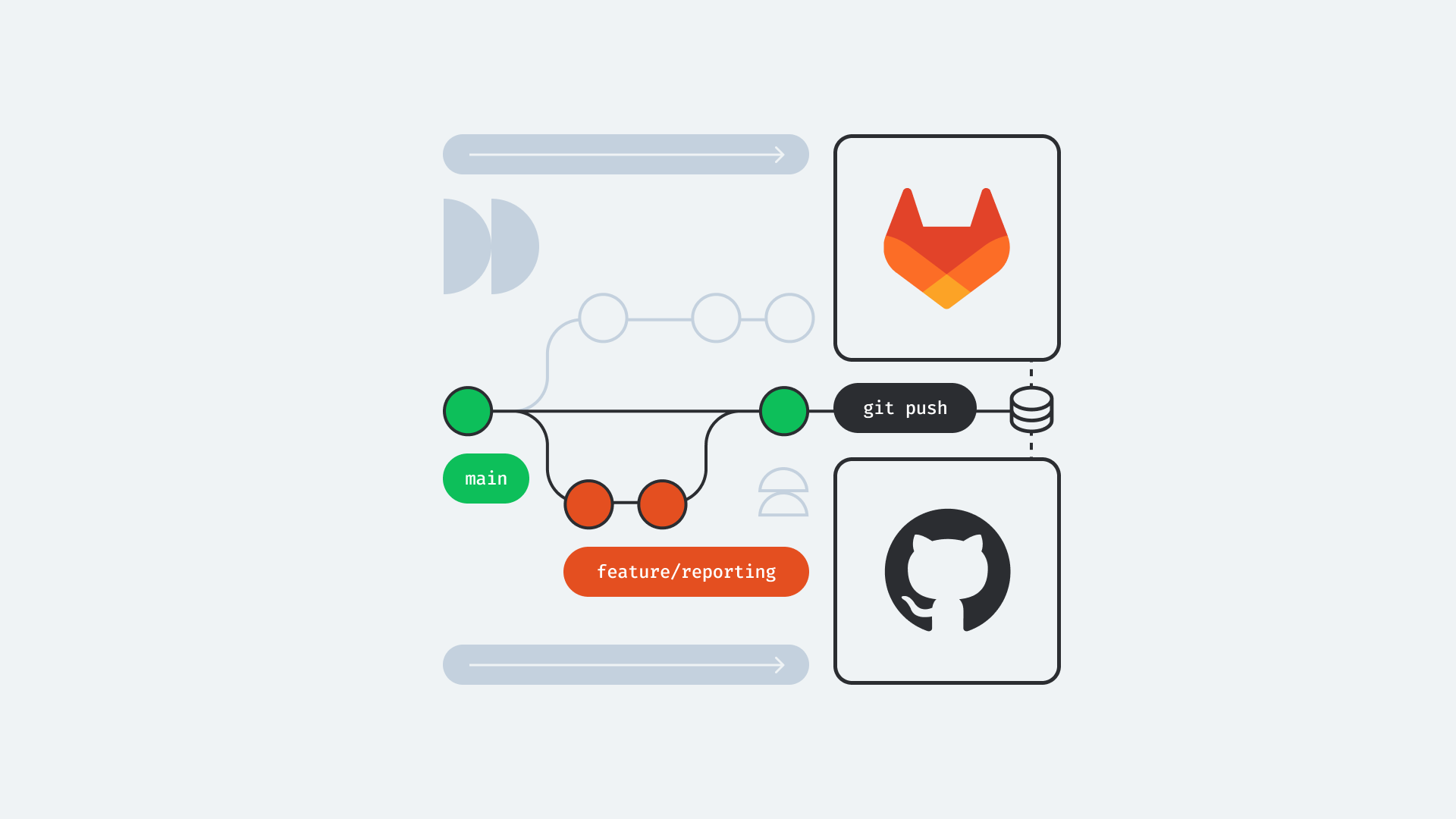
GitHub vs GitLab If you’ve spent any time in software development, you’ve probably heard the debate about GitHub vs GitLab. Both platforms are built around Git version control, both help developers collaborate on projects, and both offer powerful tools for managing code repositories. At first glance, they may look very similar, but once you start using them, you’ll notice that they serve slightly different purposes and workflows.
Choosing between GitHub and GitLab isn’t just about picking a place to store your code. The platform you choose can affect your team’s productivity, deployment process, security, and even the way you manage software projects. Whether you’re a solo developer, a startup founder, or part of a large enterprise, understanding the strengths and weaknesses of each platform is essential.
In this detailed comparison, we’ll explore GitHub and GitLab from every important angle, including features, collaboration, CI/CD, pricing, security, performance, and ease of use. By the end of this guide, you’ll have a clear understanding of which platform is the better choice for your specific needs.GitHub vs GitLab
What Is GitHub?
GitHub is one of the world’s most popular Git repository hosting platforms. It allows developers to store, manage, and collaborate on source code while providing tools for version control, issue tracking, pull requests, project management, and automation.
GitHub vs GitLab One of GitHub’s biggest strengths is its massive open-source community. Millions of developers use GitHub every day to contribute to public projects, share code, and build software together. Because of this popularity, many companies also host their open-source repositories on GitHub, making it the first choice for discovering new libraries and frameworks.
In recent years, GitHub has expanded beyond code hosting by introducing features like GitHub Actions, GitHub Copilot integration, Codespaces, Discussions, and advanced security scanning. These additions have transformed GitHub into a complete developer platform rather than just a Git repository hosting service.
What Is GitLab?
GitLab is another Git-based repository management platform, but its philosophy is somewhat different. Instead of focusing primarily on source code hosting and collaboration, GitLab aims to provide an all-in-one DevOps platform where developers can manage the entire software development lifecycle.
GitLab combines repository management with built-in Continuous Integration and Continuous Deployment (CI/CD), security testing, monitoring, issue management, package registries, and deployment pipelines. This integrated approach makes it especially attractive for organizations that want fewer third-party tools.
Another major advantage of GitLab is its self-hosted edition. Companies with strict compliance or security requirements often choose GitLab because they can install and manage the platform on their own infrastructure without depending entirely on cloud services.
GitHub vs GitLab: Feature Comparison
Both GitHub and GitLab provide the essential features developers expect from a Git platform, including branching, commits, pull or merge requests, issue tracking, and project management. However, the depth of these features differs significantly.
GitHub shines in collaboration. Its pull request workflow is polished, intuitive, and widely adopted across the software industry. Code reviews are simple, discussions are easy to follow, and integrations with thousands of third-party services make GitHub incredibly flexible.
GitLab, on the other hand, focuses on offering a complete DevOps ecosystem. Instead of relying heavily on external integrations, GitLab includes CI/CD pipelines, security scanning, container registries, monitoring, and deployment tools directly within the platform. For teams looking for an all-in-one solution, this approach can simplify development workflows considerably.
User Interface and Ease of Use
GitHub is widely praised for its clean and beginner-friendly interface. New developers can quickly learn how to create repositories, commit code, open pull requests, and collaborate with teammates. The navigation feels polished, and most features are easy to discover without extensive documentation.
GitLab offers a more feature-rich interface, but that also makes it feel more complex. Since the platform includes DevOps tools, deployment settings, CI/CD pipelines, monitoring dashboards, and security features, new users may initially find the interface overwhelming.
For experienced DevOps engineers, however, GitLab’s additional complexity becomes a strength rather than a weakness. Having every major development tool available from one dashboard reduces the need to constantly switch between different services.
CI/CD Capabilities
Continuous Integration and Continuous Deployment have become essential parts of modern software development, and this is one area where GitLab has traditionally held a strong advantage.
GitLab includes built-in CI/CD pipelines as a core feature. Developers can define automation workflows using a simple YAML configuration file, allowing code to be tested, built, and deployed automatically after every commit. Everything is managed within the same platform, resulting in a seamless experience.
GitHub originally depended on third-party services for automation, but GitHub Actions changed that significantly. GitHub Actions now provides powerful automation capabilities that support testing, deployment, scheduled workflows, and integrations with cloud providers. While GitHub Actions is extremely capable, GitLab still provides a more integrated DevOps experience out of the box.
Security and Compliance
Security is becoming increasingly important for organizations managing sensitive code and customer data. Both GitHub and GitLab have invested heavily in improving their security offerings.
GitHub includes features like Dependabot, secret scanning, code scanning, vulnerability alerts, and branch protection rules. These tools help developers identify security risks before they reach production and encourage secure coding practices.
GitLab goes even further by integrating security directly into its DevSecOps philosophy. Static application security testing (SAST), dynamic application security testing (DAST), dependency scanning, container scanning, and compliance reporting are available within the platform. This makes GitLab particularly appealing to enterprises with strict security requirements.
Pricing and Plans
GitHub offers a generous free plan that works well for students, hobbyists, freelancers, and many professional developers. Paid plans unlock advanced collaboration, enterprise security, larger storage limits, and administrative controls.
GitLab also provides a free tier but places greater emphasis on advanced DevOps features within its paid plans. Organizations requiring advanced security testing, compliance reporting, portfolio management, and enterprise DevOps capabilities often find GitLab’s premium offerings worthwhile.
For smaller teams, both platforms provide excellent value. The better choice usually depends on whether your priorities are collaboration or integrated DevOps functionality.
Community and Ecosystem
GitHub has one of the largest developer communities in the world. Millions of repositories, open-source projects, libraries, frameworks, and educational resources are hosted there. If you’re looking to contribute to open source or build a public developer portfolio, GitHub remains the industry standard.
GitLab’s community is smaller but highly active, particularly among organizations focused on DevOps, enterprise software, and self-hosted infrastructure. GitLab also maintains transparent product roadmaps and frequently engages with users regarding upcoming features.
Because so many companies recruit developers based on their GitHub activity, maintaining an active GitHub profile can also enhance career opportunities.
GitHub vs GitLab: Pros and Cons
GitHub’s greatest strengths include its enormous community, intuitive interface, excellent collaboration tools, and extensive marketplace of integrations. It’s ideal for open-source development, portfolio building, and collaborative software projects. However, organizations needing deeply integrated DevOps workflows may require additional tools alongside GitHub.
GitLab excels by providing a unified DevOps platform with built-in CI/CD, deployment pipelines, security scanning, monitoring, and self-hosting options. This reduces dependency on external services and simplifies enterprise workflows. The trade-off is a steeper learning curve and a more complex interface for beginners.
Ultimately, neither platform is objectively better. The right choice depends on your team’s goals, technical requirements, and preferred development workflow.
Which Platform Should You Choose?
GitHub vs GitLab If you’re an individual developer, student, freelancer, or open-source contributor, GitHub is generally the better option. Its popularity, community support, intuitive interface, and strong collaboration features make it an excellent starting point for almost everyone.
If you’re managing enterprise applications, DevOps pipelines, self-hosted infrastructure, or security-sensitive projects, GitLab becomes a compelling alternative. Its integrated approach can reduce operational complexity while providing greater control over the software delivery lifecycle.GitHub vs GitLab
GitHub vs GitLab Many organizations actually use both platforms. They host public open-source projects on GitHub while managing private enterprise development on GitLab. This hybrid approach allows teams to benefit from the strengths of each platform.
Conclusion
The debate over GitHub vs GitLab doesn’t have a universal winner because both platforms are exceptional in their own ways. GitHub dominates the open-source ecosystem and provides one of the best collaboration experiences available today. GitLab distinguishes itself by delivering an integrated DevOps platform with powerful automation, security, and deployment capabilities.
GitHub vs GitLab When choosing between the two, think beyond repository hosting. Consider your team’s workflow, CI/CD requirements, security needs, deployment strategy, and long-term scalability. A solo developer may appreciate GitHub’s simplicity, while a large engineering organization may gain significant efficiency from GitLab’s all-in-one DevOps environment.
At the end of the day, both GitHub and GitLab continue to evolve rapidly. Whichever platform you choose, mastering Git, writing clean code, and following modern development practices will have a far greater impact on your success than the platform itself.
You May Also Read: Bouncemediagroup TechTrends